
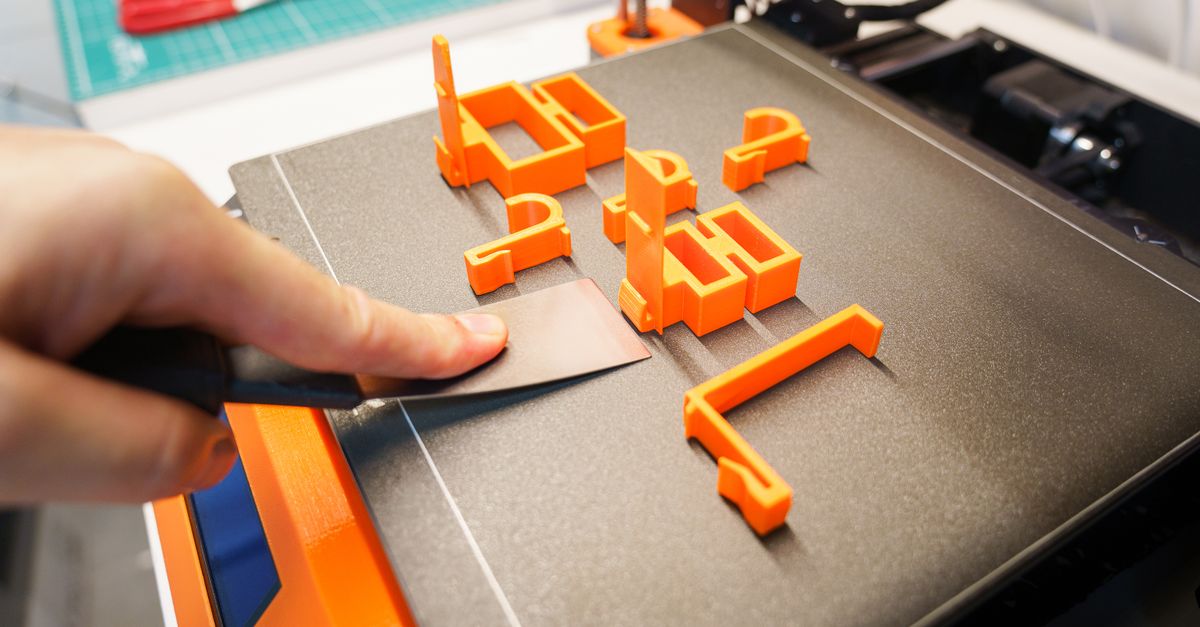
Photo by Jakub Zerdzicki on Pexels
3D Printed Enclosures for Electronics

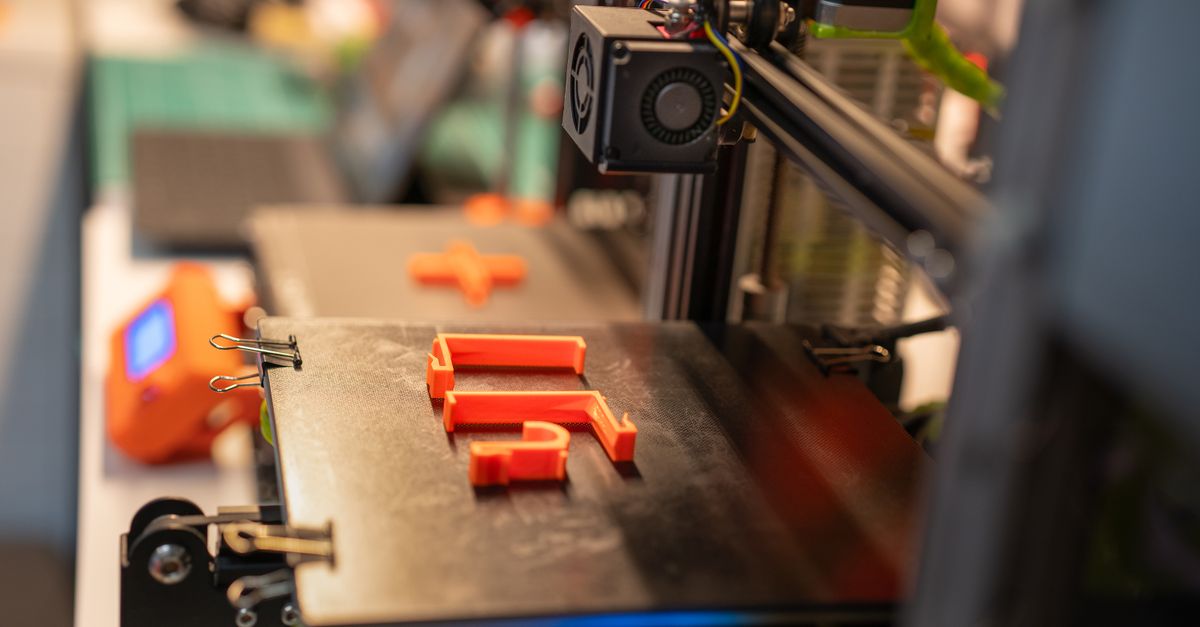
Almost every hardware product ends up needing a box. Sensors, controllers, test equipment, wearables, and industrial monitors all need a housing that protects the electronics and fits the circuit board exactly. Injection molded enclosures are great at volume, but the tooling often costs thousands of dollars and takes weeks. 3D printed enclosures let a team get a working housing in hand in days, change it when the board changes, and keep producing short runs without a mold.
This guide covers the design decisions that make the difference between an enclosure that snaps together cleanly and one that cracks, warps, or overheats. It applies whether you are building a single prototype or planning a few hundred units.
Why Are 3D Printed Enclosures So Common in Electronics?
Boards change faster than tooling can. In early development, a PCB goes through multiple revisions. A connector moves 2 mm, a new header appears, a battery gets bigger. With a printed enclosure, you update the CAD, reprint, and test the new fit. With a steel mold, each of those changes is a quote and a delay.
Short runs are economical. If you need 25 to 500 housings for a pilot program, field trial, or niche product, printing avoids the upfront cost of tooling entirely. Our small-batch production service is built for this range, and our post on 3D printing vs injection molding for small batches walks through where the crossover point tends to land.
Geometry is nearly free. Internal standoffs, cable channels, label recesses, integrated light pipes, and board guides can all be part of the single printed body. There is no extra cost for undercuts or features that would require slides and lifters in a mold.
How Thick Should Enclosure Walls Be?
Start at 2 mm for general-purpose housings. With a standard 0.4 mm nozzle, a 1.2 mm wall is three perimeters, and 2.0 to 2.4 mm gives five to six. Thicker walls add stiffness and make screw retention more forgiving. Thinner walls save material but flex, and they can show layer-related weak points.
Match wall thickness to the print line width. Walls that are an even multiple of the extrusion width print more cleanly because the slicer does not have to fill odd gaps. Designing a 1.6 mm or 2.0 mm wall for a 0.4 mm nozzle is more predictable than a 1.75 mm wall.
Keep it consistent where you can. Abrupt changes between thick and thin sections create stress concentrations and can cause uneven cooling. If you need a thick boss, blend it into the wall with a gradual transition or ribs rather than a sudden step.
Add corner radii. Sharp internal corners concentrate stress, especially on a part that gets dropped or squeezed. A radius of 1 to 2 mm on inside corners and a larger one on outside edges helps both strength and print quality. For more rules of this kind, see our design rules that save money on 3D prints.
How Do You Mount a Circuit Board Inside?
Use standoffs sized to your hardware. Cylindrical bosses that rise from the floor of the enclosure let the PCB sit above the base. A common approach is a boss diameter roughly twice the screw diameter or more, with a fillet at the base to resist snapping off.
Use heat-set inserts instead of self-tapping into plastic. Threads cut directly into printed plastic wear out after a few assembly cycles. Brass heat-set inserts give you metal threads that handle repeated service, which matters for any enclosure you will open for battery changes or maintenance. We cover installation, hole sizing, and boss design in our guide to heat-set inserts for strong threads in 3D prints. Always size the pilot hole to the insert manufacturer’s specification, since it varies by insert style.
Consider board guides and card slots. For boards that slide in, printed rails with 0.3 to 0.5 mm of clearance on each side hold the PCB without screws. This is a good option for prototypes where you want fast assembly.
Do not forget component clearance. Tall capacitors, pin headers, and cable connectors are the usual culprits when a board does not fit. Model the board with its tallest components, not just the outline, and leave a margin for the tolerance of the printed part. Our article on 3D printing tolerances explains what dimensional accuracy is realistic with FDM.
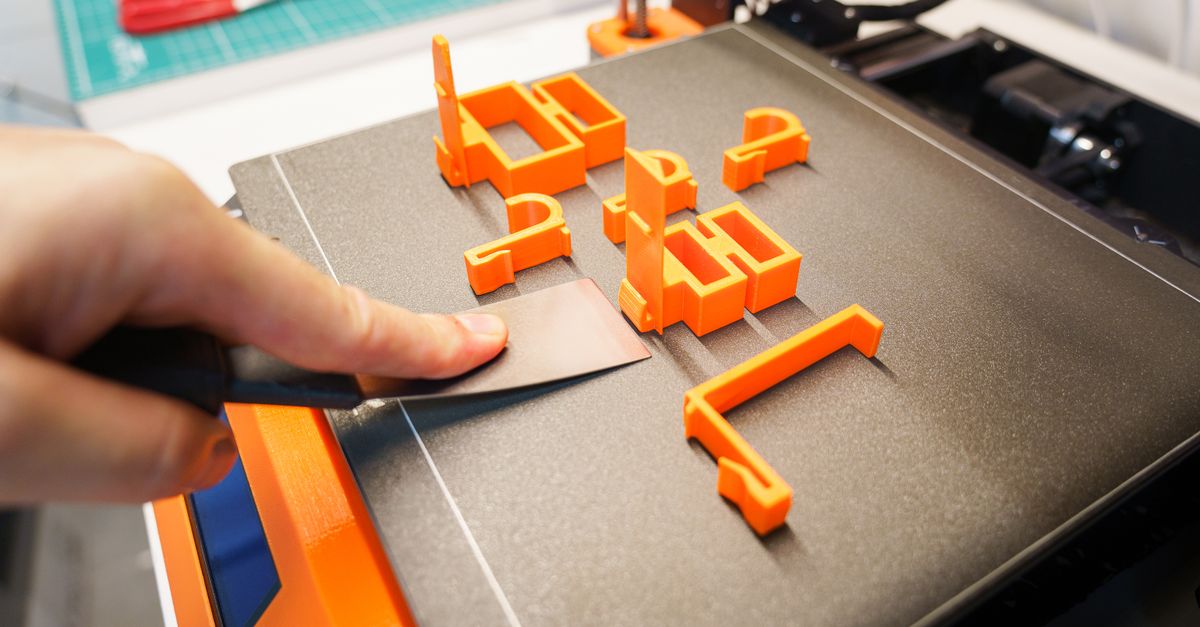
Photo by Jakub Zerdzicki on Pexels
Snap-Fits, Screws, or Both?
Screws are the safest default. They are strong, serviceable, and tolerant of printing variation. For production enclosures that will be opened more than once, screws with heat-set inserts are hard to beat.
Snap-fits work, with caveats. A cantilever snap-fit relies on the plastic flexing and returning. PLA is stiff and tends to be brittle, so thin snap hooks can crack after a few cycles. PETG has more give and generally handles snap features better. Design hooks with a long, gradual cantilever arm, a modest undercut (often under 1 mm), and a fillet at the root. Orient the part so layer lines run along the length of the arm, not across it, because FDM parts are weakest between layers.
Lids that slide or hinge. Living hinges are possible in some materials, but they are less reliable in FDM than in molded polypropylene. For a printed hinge, a separate pin hinge or a simple screw-on lid is usually the more dependable choice.
Plan clearances for mating parts. For a lid that must fit a body, a gap of roughly 0.2 to 0.4 mm per side is a typical starting point for FDM. Too tight and parts will not close once any elephant foot or slight warp is present. Too loose and the lid rattles. This is a good place to use a quick prototype pass before committing to a batch. Our rapid prototyping service is designed for exactly that kind of fit check.
How Do You Handle Heat and Ventilation?
Know your material limits. PLA softens at roughly 55 to 60 C, which a closed enclosure sitting in a hot vehicle or beside a power regulator can easily reach. PETG handles somewhat higher temperatures, and ABS or ASA go higher still. If your electronics generate meaningful heat, material choice is a design requirement, not an afterthought. Our PLA vs PETG vs ABS comparison has the details, and ABS is something we run periodically for heat-resistant jobs.
Design real airflow paths. Vent slots work best when there is an inlet low and an outlet high, so natural convection moves air through the case. Slots of 1.5 to 3 mm width print reliably in FDM. Orient slots so they do not require heavy support material, or design them as vertical slots in a wall that prints upright.
Do not rely on plastic to dissipate heat. Printed plastic is an insulator. Hot components like voltage regulators and motor drivers should have a heat sink, a thermal pad to a metal plate, or a cutout that exposes them to airflow.
What About Water, Dust, and Outdoor Use?
FDM parts are not inherently sealed. Layer lines create tiny paths for moisture. If you need a weather-resistant enclosure, plan for a gasket groove, a lip-and-groove lid interface, and cable glands. Post-treatments can help, as covered in our guide to waterproofing 3D prints. Any specific ingress protection rating should be verified by testing the assembled enclosure, not assumed from the material.
Think about UV. Standard PLA and PETG can degrade or become brittle after prolonged sun exposure. For outdoor housings, ASA is the typical choice, and we can print in it as a capability. See our ASA material guide for more.
What Should You Know About EMI and Regulatory Needs?
Plastic does not shield electromagnetic interference. If your device is sensitive to RF noise or needs to limit emissions, a printed enclosure needs a conductive layer, such as shielding paint, copper tape, or an internal metal liner.
Standard filaments are not flame-rated. PLA and PETG are generally not certified to UL 94 flammability ratings. If your product needs to meet a safety certification for commercial sale, you will need to work with certified materials and the relevant testing lab. Printed enclosures are excellent for development, pilot builds, internal equipment, and proof of concept, and the certification path for a final product is a separate conversation.
Finishing and Branding Details
Plan cutouts and labels in CAD. USB ports, switches, LEDs, and display windows should all be modeled with clearance. Recessed label pockets allow you to apply a printed overlay or nameplate later.
Surface finish matters for the customer. Sanding, priming, and painting can give an enclosure a look similar to a molded product. We outline the options in 3D print finishing standards for pro results.
Orient the part for appearance. A flat lid printed face-down will have a clean top surface, while a tall body printed upright will show layer lines on the sides. Our post on part orientation explains how to balance strength, appearance, and support usage.
A Simple Workflow for Your First Enclosure
- Collect the board data. Get the PCB outline, mounting hole locations, connector positions, and tallest component heights.
- Pick the material for the environment. PLA for indoor, low-heat prototypes. PETG for tougher or warmer conditions. ABS or ASA when heat or UV demand it.
- Print a fit-check version. Use a fast, low-cost print to verify every cutout and clearance before finalizing.
- Refine and lock the design. Adjust tolerances, add inserts, and fix any interference.
- Order the batch. Once the design is proven, produce the quantity you need.
If you do not have CAD skills in-house, our custom design services can turn a board layout and a sketch into a printable enclosure model.
Ready to Build Your Enclosure?
Whether you are a startup with a first-run sensor box or an established manufacturer who needs housings for a pilot program, we can help you go from board to boxed product. Send us your PCB files, dimensions, or a rough concept and we will talk through materials, tolerances, and quantity.
Start your project at /custom-order
Related Reading
Related Articles
Creep in 3D Printed Parts: Why Plastic Sags
Creep in 3D printed parts is slow deformation under constant load. Learn which materials resist it and how to design parts that keep their shape.
Reverse Engineering Broken Parts for 3D Printing
Reverse engineering parts for 3D printing turns a worn or obsolete component into a usable CAD model. Here is the workflow and the pitfalls to avoid.
Designing Snap Fits for FDM 3D Printing
Snap-fit design for FDM comes down to strain, orientation, and clearance. Here is how to build snap fits in PLA and PETG that do not crack.