
Photo by Jakub Zerdzicki on Pexels
The 3D Printing RFQ Checklist

A 3D printing quote is only as good as the information behind it. Vague requests like “How much to print this bracket?” force a print shop to guess at material, quantity, finish, and tolerance, and every guess either inflates the price or creates a surprise later. A well-written request for quote (RFQ) removes that guesswork, so the number you get back is one you can actually plan around.
This checklist walks through what to include in an RFQ for FDM 3D printing, why each item matters, and how it changes the price and the part. Whether you are ordering one prototype or a few hundred production units, the same fundamentals apply.
Why Does the Quality of Your RFQ Matter?
A quote is a prediction of machine time, material, and labor. Print time depends on part volume, layer height, infill, and orientation. Labor depends on support removal, finishing, assembly, and inspection. If any of those inputs are missing, the quoting team has to assume something, and assumptions tend to be conservative.
Missing details cause revision loops. Every back-and-forth email adds days before printing even starts. A complete RFQ lets a shop quote in a single pass and flag any design concerns up front rather than after the first print.
Clear requirements protect you too. When material, tolerance, and finish are written down, there is a shared reference for what “correct” means. That matters when parts are going into an assembly or a customer-facing product.
What Files Should You Send?
Send a native or neutral CAD file, not just a mesh. A STEP file is the best choice for most jobs because it preserves true geometry and lets the shop adjust orientation, add tolerance compensation, or make small design tweaks. STL and 3MF files work for printing, but they are tessellated meshes, so curved surfaces are approximated and editing is difficult. Our file formats explainer covers when each one makes sense.
Include a drawing or annotated PDF for critical features. If a bore must accept a bearing or a slot must fit a specific plate, mark it. A simple 2D drawing with the critical dimensions called out is enough. You do not need a full GD&T package for most 3D printed parts.
Tell us if you do not have CAD yet. Plenty of requests start with a sketch, a broken part, or a photo. In that case, the quote needs to include design time. Our custom design services cover reverse engineering and modeling from samples, and the post on what to do when you have no CAD file explains the process.
How Do You Specify Material and Operating Environment?
Describe the environment, not just the material name. Many buyers ask for “ABS” because it sounds strong, when PETG would work better and cost less. Instead of only naming a material, tell the shop where the part lives:
- Maximum temperature it will see (a dashboard, an engine bay, and a warehouse shelf are very different)
- Exposure to sunlight, moisture, oils, fuels, or cleaning chemicals
- Mechanical loads: static, impact, vibration, or repeated flexing
- Whether it touches food, skin, or other regulated contexts
Know the rough material tiers. PLA is stiff, dimensionally stable, prints cleanly, and is a good fit for prototypes, fixtures, and display parts, but it softens at relatively low temperatures (roughly 55 to 60 C). PETG offers better toughness and chemical resistance and handles moderate heat and outdoor use better. ABS and ASA step up in heat and UV performance. Nylon, TPU, and carbon fiber composites are available for specialized needs. Our PLA vs PETG vs ABS comparison is a good starting point if you are unsure.
Photo by Jakub Zerdzicki on Pexels
State your color and appearance needs. Color availability varies by material. If you need a brand match or a specific finish, say so in the first message rather than after the order is placed.
What Quantity and Timeline Information Do Shops Need?
Give a realistic quantity, plus any forecast. The price per part for one unit is very different from the price per part at 50 or 300. Setup, file preparation, and plate layout are spread across the batch, and larger runs can be optimized for machine time. If you need 20 now but may need 200 next quarter, say that. It changes how a shop might approach orientation, fixturing, and process documentation. The batch size economics post shows how that curve typically behaves.
Be upfront about the deadline. A hard date drives scheduling. If your need is flexible, tell us. A flexible deadline can sometimes mean a lower price. If it is genuinely urgent, say so rather than hiding it, because it affects how a job is queued. For one-off development work, our rapid prototyping service is built around fast iteration. For repeat or larger runs, small-batch production is the better fit.
Mention whether this is a one-time or recurring order. Recurring parts benefit from locked-down settings, documented orientation, and version-controlled files, which improves consistency from batch to batch.
How Should You Communicate Tolerances?
Separate critical dimensions from general ones. Most FDM parts do not need tight tolerances everywhere. Typical FDM accuracy is in the range of a few tenths of a millimeter, and it varies with part size, material, geometry, and orientation. Mark the three or four dimensions that truly matter, and let the rest default to standard tolerances. Over-tolerancing an entire part is one of the quickest ways to inflate cost and lead time.
Tell us what the part mates with. A hole for an M5 screw, a press fit for a bearing, and a slip fit over a shaft each call for different design clearances. Knowing the mating part lets us recommend the right clearance or suggest a heat-set insert instead of printed threads.
Set expectations using our tolerance guidance. If you want a baseline for what is reasonable, read 3D Printing Tolerances: What to Expect before you finalize your drawing. For multi-part assemblies, also consider how errors accumulate, which we cover in tolerance stackup in 3D printed assemblies.
What Finishing and Inspection Requirements Should You List?
Define the cosmetic standard. “Clean” means different things to different people. State whether visible layer lines are acceptable, or whether you need sanding, priming, painting, or smoothing. Functional fixtures and internal brackets usually need minimal finishing, while customer-facing parts and awards often need more. See our guide to finishing standards for professional results for typical levels.
Specify inspection needs. If you need dimensional verification, say which features, how many parts per batch, and what format you want the results in. For a first run of a new design, a first-article inspection is a smart step before committing to a larger quantity.
Request labeling or packaging if it matters. Part marking, bagging by quantity, and kitting are easy to include in the quote when requested up front, and awkward to bolt on later.
What Delivery Details Should You Include?
List the ship-to location or pickup preference. We serve the Charlotte metro area and ship nationwide, so delivery location affects timing and cost. Local businesses along the I-77 and I-85 corridors can often arrange pickup or local delivery, which can help when you are iterating quickly.
Note any receiving requirements. If your facility needs purchase order numbers, packing slips, or specific lot labeling, include that in the RFQ.
A Simple RFQ Template You Can Copy
Paste this into an email or our order form and fill in the blanks:
- Part name and purpose: What it is and what it does
- Files attached: STEP preferred, plus drawing or PDF for critical features
- Quantity: Initial order and any expected repeat volume
- Needed by: Date, and whether it is firm or flexible
- Material: Preferred material, or the operating environment so we can recommend one
- Color: Required or flexible
- Critical dimensions and tolerances: List the few that matter
- Mating parts or hardware: Fasteners, bearings, inserts, or other components
- Finish: Raw, sanded, painted, or other
- Inspection and documentation: None, dimensional report, first-article, or other
- Delivery: Pickup, local delivery, or ship-to ZIP code
Common RFQ Mistakes to Avoid
Sending only a screenshot or photo. Images help with context but cannot be printed. Always include a file or request design help.
Asking for the strongest material by default. The best material is the one that fits the environment and budget. Stronger is not always better, and some high-performance materials add print complexity and cost.
Leaving out the assembly context. A part that looks fine on its own may collide with something in the final assembly. Even a quick description or a photo of the surrounding parts helps.
Waiting until the end to mention finish or inspection. These requirements often add more labor than the print itself, so they belong in the original request.
Changing the file after quoting without saying so. If the geometry changes, the quote may too. Keep file names versioned, as described in our version control for 3D print files post.
Ready to Request a Quote?
If you have a part, a sketch, or just a problem to solve, we can help you turn it into a clear RFQ and a printable design. We print daily in PLA and PETG, take on ABS work periodically, and can handle ASA, nylon, TPU, and carbon fiber composites when a job calls for them. For fixtures, jigs, and production aids, see our manufacturing tooling and fixtures service.
Start your custom order and send us what you have. The more detail you include, the faster and more accurate your quote will be.
Related Reading
Related Articles
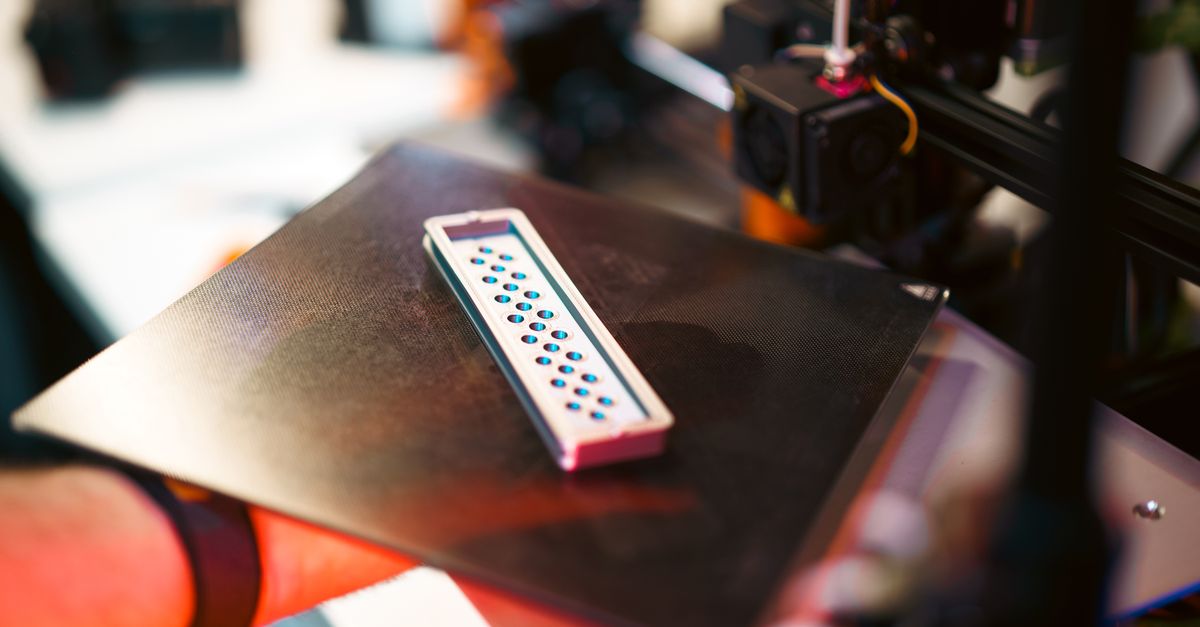
Creep in 3D Printed Parts: Why Plastic Sags
Creep in 3D printed parts is slow deformation under constant load. Learn which materials resist it and how to design parts that keep their shape.
Reverse Engineering Broken Parts for 3D Printing
Reverse engineering parts for 3D printing turns a worn or obsolete component into a usable CAD model. Here is the workflow and the pitfalls to avoid.
Designing Snap Fits for FDM 3D Printing
Snap-fit design for FDM comes down to strain, orientation, and clearance. Here is how to build snap fits in PLA and PETG that do not crack.