
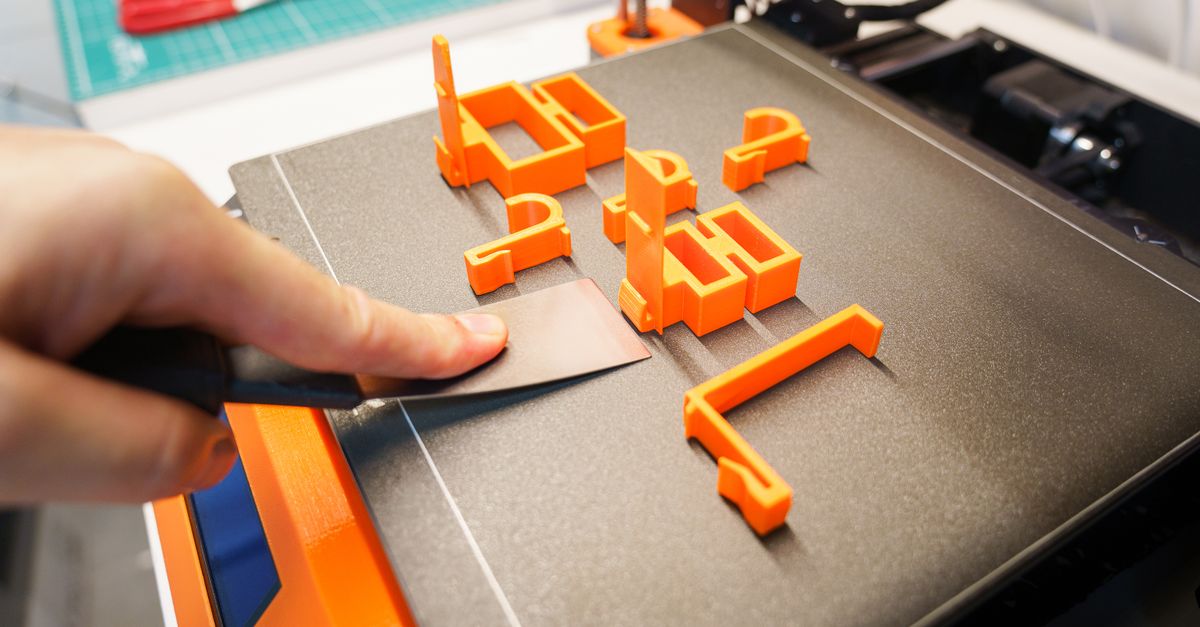
Photo by Jakub Zerdzicki on Pexels
Infill vs Walls: What Makes 3D Prints Strong

When a part breaks, the usual reaction is to ask for more infill. It sounds logical, but 3D print strength rarely comes down to that one setting. In FDM printing, the outer walls, the print orientation, and the material choice usually matter more than the percentage of plastic inside the part. Understanding how these pieces fit together helps you write better specs, avoid paying for plastic that does nothing, and get parts that survive real use.
This guide breaks down what each setting does, where the diminishing returns kick in, and how to communicate strength requirements when you order.
What Does Infill Actually Do?
Infill is mostly a support structure, not a strength engine. Its main jobs are to hold up the top surfaces of the part, keep the walls from flexing inward or outward, and spread compressive loads through the interior. It is the filler between the shell, and the shell does most of the heavy lifting.
Common infill patterns behave differently:
- Grid and rectilinear. Fast and simple, but strength is directional and the crossing lines can cause small surface inconsistencies.
- Gyroid. A continuous, wavy structure that behaves fairly evenly in all directions. It is a popular choice for functional parts because it resists loads from multiple angles.
- Cubic and triangular. Good for compressive loads and general-purpose parts.
- Honeycomb. Familiar and rigid, though it prints slower than some alternatives.
Typical default infill sits around 15 to 20 percent, which is plenty for fit checks, display pieces, and light-duty housings. For parts that see real loads, 30 to 50 percent is a common range. Going to 100 percent is rarely worth it. The strength gain flattens out well before solid, while print time and material use keep climbing.
Why Do Walls Matter More Than Infill?
Walls carry the stress. Think about how an I-beam or a hollow tube works. When a part bends, the highest stress sits at the outer surfaces, not in the middle. In a 3D printed part, those outer surfaces are the perimeters, also called walls or shells. Adding wall count increases the amount of continuous, well-bonded plastic exactly where bending, torsion, and impact forces concentrate.
With a standard 0.4 mm nozzle, each wall is roughly 0.4 to 0.45 mm wide. That means the common default of two walls gives you less than 1 mm of shell. Moving to four walls gets you to around 1.6 to 1.8 mm. For many functional parts, that change does more for durability than doubling the infill.
Here is a practical starting point:
- Cosmetic or fit-check parts: 2 walls, 10 to 15 percent infill.
- General functional parts: 3 to 4 walls, 20 to 30 percent infill.
- Load-bearing brackets, clips, and fixtures: 4 to 6 walls, 30 to 50 percent infill, with attention to orientation.
Top and bottom layers matter too. At a 0.2 mm layer height, four to six top and bottom layers gives roughly 0.8 to 1.2 mm of solid skin, which keeps surfaces from sagging or showing infill pattern through the finish.
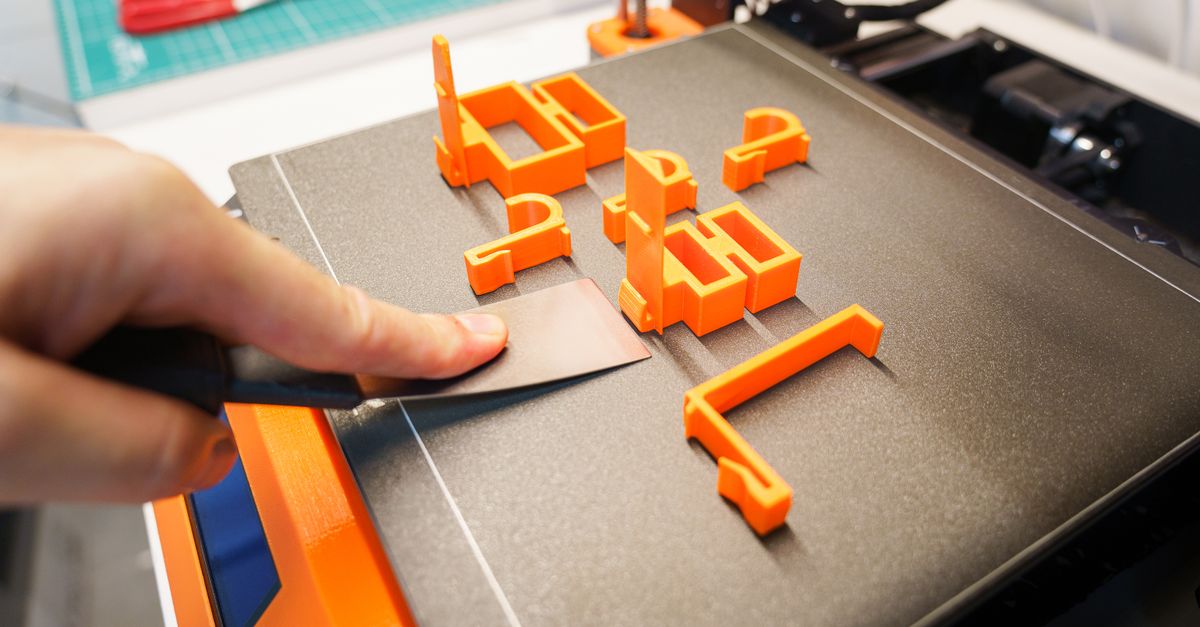
Photo by Jakub Zerdzicki on Pexels
Where Do Layer Lines Change the Picture?
FDM parts are not isotropic. Because they are built one layer at a time, they are strongest along the printed lines and weakest between layers. A force that tries to peel layers apart will find the weak direction every time, and no amount of infill fixes that if the layers are oriented against the load.
This is why print orientation can outweigh any slicer setting. A bracket printed with its layers running across the load path can fail at a fraction of the force it would handle if printed on its side. Our post on part orientation covers this in more depth, and it pairs directly with the settings above.
A few rules of thumb:
- Align layer lines so the primary load runs along them, not across them.
- Avoid designs where a thin feature, like a tab or a hook, is loaded in the Z direction.
- Add fillets or radii at inside corners to spread stress instead of concentrating it at a sharp layer boundary.
If you are designing parts yourself, our design rules that save money cover many of these geometry choices.
Does Material Choice Change the Strategy?
Yes, significantly. Wall and infill settings work together with the properties of the plastic you print in.
PLA is stiff and easy to print, but it is brittle and softens at relatively low temperatures, so it can crack under impact or sustained heat. PETG is tougher and more forgiving under impact, with better layer adhesion in many cases, which is why it is a go-to for functional parts. ABS offers higher heat resistance but is more demanding to print. We run PLA and PETG most often, and we also handle ABS jobs periodically. If your application needs more specialized properties, we can print in ASA, nylon, TPU, and carbon fiber composites as well.
A thick-walled PLA part may still shatter where a thinner PETG part flexes and survives. For a full comparison, see our PLA vs PETG vs ABS guide, or the dedicated PETG material guide.
What About Screws, Inserts, and Clamped Joints?
Fasteners load the walls, not the infill. When you tighten a screw into a printed hole or clamp a part between bolts, the force goes into the plastic surrounding the hole. If that area is only two walls thick, the material can crush or crack. Adding walls around holes, or increasing local wall thickness in the design, helps far more than increasing overall infill.
For threaded connections that need to be reused, heat-set inserts give you metal threads in plastic and spread the load more effectively than printed threads. They still depend on having enough surrounding wall material to hold them, so plan for it in the design.
How Much Does Extra Strength Cost?
More walls and infill add print time and material, and both affect price. Doubling wall count and infill on a large part can noticeably increase hours on the printer. That cost multiplies across a batch, so it is worth being deliberate. Our cost-per-part guide explains how time and material translate into pricing.
The efficient approach is to put strength where it is needed:
- Identify the load path and the likely failure points.
- Orient the part so layers support those loads.
- Increase walls first, then raise infill only if the part still needs more stiffness.
- Choose the material that suits the environment, such as heat, impact, or chemical exposure.
For parts that must meet a specific performance level, testing beats guessing. A short round of prototype testing on a few variations can tell you whether three walls is enough or six is justified before you commit to a batch. For formal requirements, see our validation testing guide.
How Should You Specify Strength When Ordering?
Describe the job, not just the settings. Many buyers ask for “100 percent infill” because it feels safe. A better request explains what the part does: what loads it sees, whether it is exposed to heat or outdoor conditions, how it is mounted, and whether it is a one-off or a repeat run. With that information, we can recommend wall count, infill, orientation, and material that fit the application instead of defaulting to maximum settings.
Useful details to include:
- Expected load and direction, even if approximate.
- Operating temperature range.
- How the part is fastened or mounted.
- Quantity, so we can balance strength against per-part cost.
- Any critical dimensions or mating features.
Our RFQ checklist walks through what to include so quotes are accurate the first time.
Strength Is a Design Decision, Not a Single Slider
The most reliable parts come from combining a sensible orientation, enough walls in the right places, a measured amount of infill, and a material that fits the environment. That approach also keeps costs reasonable, which matters whether you are running a handful of rapid prototypes, a small-batch production run, or building manufacturing fixtures that need to hold up on the shop floor. If you do not have a CAD file or want help optimizing a design for printing, our custom design services can help.
Get Parts Built for the Load They Will Carry
Tell us what your part needs to do, and we will recommend the material, orientation, and print settings that fit the job. Whether you are in Charlotte, along the I-77 and I-85 corridors, or anywhere in the country, we can quote and ship your parts.
Start your custom order and send us your files or describe your application.
Related Reading
Related Articles
Creep in 3D Printed Parts: Why Plastic Sags
Creep in 3D printed parts is slow deformation under constant load. Learn which materials resist it and how to design parts that keep their shape.
Reverse Engineering Broken Parts for 3D Printing
Reverse engineering parts for 3D printing turns a worn or obsolete component into a usable CAD model. Here is the workflow and the pitfalls to avoid.
Designing Snap Fits for FDM 3D Printing
Snap-fit design for FDM comes down to strain, orientation, and clearance. Here is how to build snap fits in PLA and PETG that do not crack.