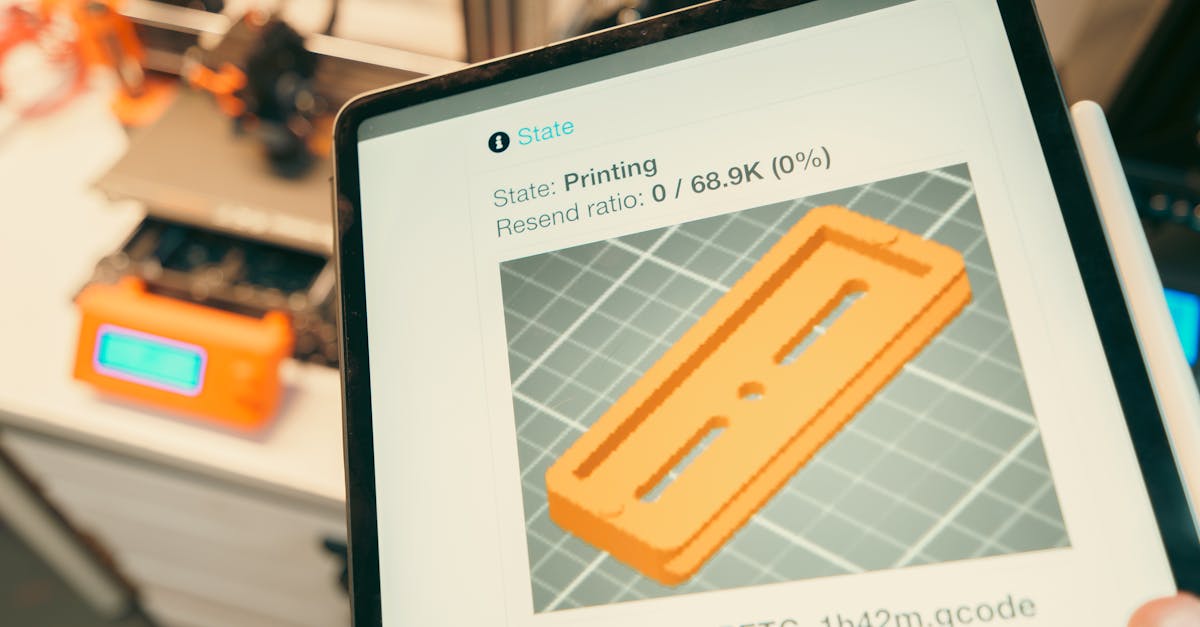
Photo by Jakub Zerdzicki on Pexels
Version Control for 3D Print Files

Version Control for 3D Print Files
Every manufacturing professional knows the nightmare: someone prints 50 units using an outdated file, and nobody catches the error until assembly. Or worse - multiple team members edit the same STL file, creating a tangled mess of “final_v2_REAL_final_USE_THIS_ONE.stl” versions scattered across email threads and shared drives.
Version control isn’t just for software developers anymore. As businesses increasingly rely on digital manufacturing files for rapid prototyping and production, managing those files becomes critical to avoiding costly mistakes and maintaining quality standards.
Why Traditional File Management Falls Apart
The shared drive chaos. Most businesses start with a simple folder structure on a network drive. Design files go in one folder, approved files in another. This works great until someone accidentally saves over the master file, or forgets which version incorporated the latest design changes.
Traditional file naming conventions break down quickly. When you see files named “bracket_v3_final.stl” and “bracket_v3_final_updated.stl” sitting next to each other, which one contains the 0.2mm tolerance adjustment from last Tuesday’s meeting? Nobody remembers.
Email threads compound the problem. Design iterations bounce between engineers, suppliers, and manufacturing teams. Each person might save their own local copy, make edits, and send it back. Soon you have divergent versions floating around, and tracking the authoritative file becomes impossible.
What Makes 3D Files Different from Documents
3D files demand special handling. Unlike Word documents or spreadsheets, 3D printing files represent physical objects with precise dimensions, tolerances, and material requirements. A seemingly minor change - adjusting a wall thickness by 0.5mm or modifying a support structure - can mean the difference between a successful print and a failed production run.
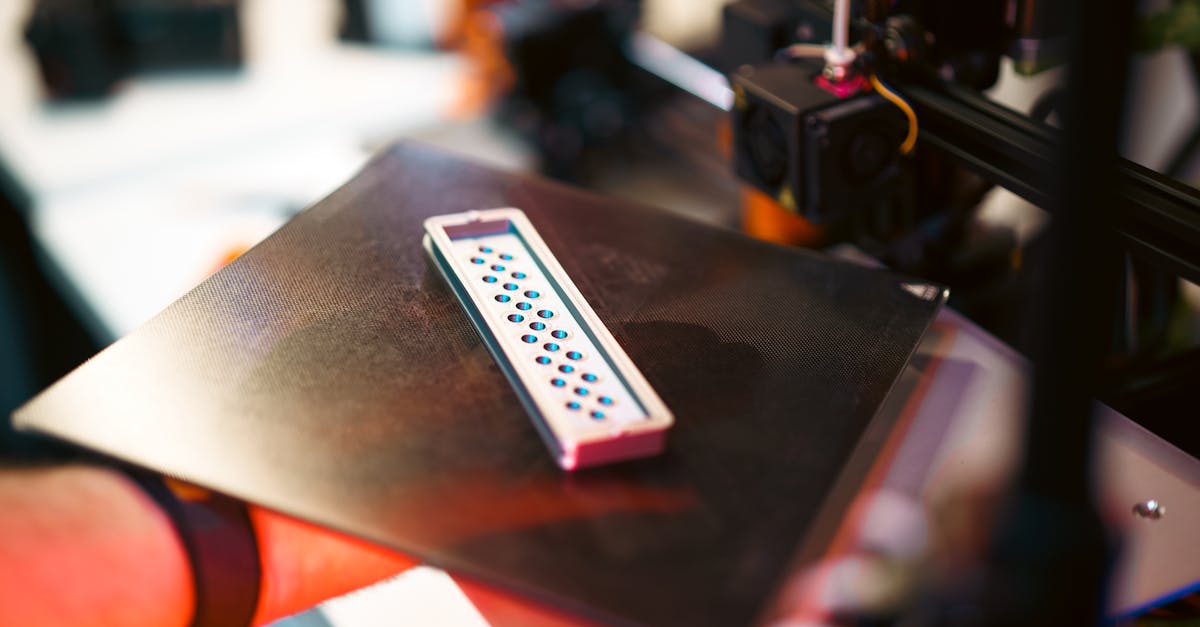
Photo by Jakub Zerdzicki on Pexels
STL files present unique challenges. These mesh files can be huge (sometimes hundreds of megabytes), making them unwieldy for traditional version control systems. They’re also difficult to diff - you can’t easily see what changed between versions like you can with text files. Many businesses also work with multiple file formats: the original CAD files (STEP, IGES, Fusion 360, SolidWorks), the printable STL or 3MF files, and sometimes G-code for specific printers.
Each file type serves a different purpose in the workflow. Losing track of which STL was generated from which CAD file, or which G-code matches which material profile, creates confusion that slows down production and increases error rates.
Setting Up Basic Version Control
Start simple but start now. You don’t need complex software to begin managing versions effectively. The key is establishing consistent practices that everyone follows.
First, create a standardized naming convention that includes version numbers and dates. Instead of “bracket_final.stl”, use “bracket_v1.0_2026-05-01.stl”. When changes occur, increment the version number and update the date. Major changes get a new whole number (v2.0), while minor tweaks increment the decimal (v1.1).
Implement a check-out/check-in system, even if it’s manual. When someone needs to edit a file, they note it in a shared log. This prevents multiple people from editing simultaneously and creating conflicts. Think of it like taking a physical part from a shelf - only one person can have it at a time.
Create a single source of truth. Designate one location (whether cloud storage or network drive) as the master repository. All approved files live here. Working copies can exist elsewhere, but everyone knows where to find the current production version.
Advanced Version Control Systems for 3D Files
When to upgrade to dedicated tools. As your operation grows, manual version control becomes cumbersome. Modern version control systems designed for 3D files can automate much of the process while providing powerful features.
Git-based systems work well for text-based CAD files but struggle with binary STL files. However, Git LFS (Large File Storage) can handle bigger files effectively. The learning curve is steep for non-programmers, but the revision tracking and branching capabilities are unmatched.
Cloud-based CAD platforms like Fusion 360 and Onshape include version control built-in. Every save creates a new version automatically. You can see who made changes, when they made them, and even visual comparisons between versions. These platforms excel at collaborative design but require everyone to use the same CAD software.
Specialized PDM (Product Data Management) systems like SolidWorks PDM or Autodesk Vault are designed specifically for managing CAD and manufacturing files. They track relationships between assemblies and parts, manage revision approval workflows, and integrate with CAD software. The downside? They’re expensive and complex to implement.
Creating Approval Workflows That Work
Build quality checks into the process. Version control isn’t just about tracking changes - it’s about ensuring only approved designs make it to production. This is especially critical when working with small-batch production where setup costs make mistakes expensive.
Establish clear approval stages. A typical workflow might include: Initial Design -> Design Review -> Prototype Approval -> Production Release. Each stage should have defined criteria and sign-off requirements. Only files that complete all stages get marked as production-ready.
Use metadata to your advantage. Most version control systems let you tag files with additional information. Tag files with material requirements (PLA, PETG, ABS), print settings (layer height, infill percentage), and post-processing needs. This metadata travels with the file, reducing miscommunication with your 3D printing service provider.
Implement access controls. Not everyone needs permission to modify master files. Designers can create and edit, reviewers can comment and approve, and production teams can access but not alter. This prevents accidental changes while keeping files accessible to those who need them.
Protecting Intellectual Property
Your files are valuable assets. 3D design files represent hours of engineering work and contain proprietary information about your products. Proper version control helps protect this intellectual property.
Track who accesses files and when. Most version control systems create audit logs automatically. If a design shows up at a competitor, you can trace who had access. This accountability discourages unauthorized sharing while helping investigate any breaches.
Control distribution carefully. When sending files to suppliers or service providers like us, use watermarked or limited versions when possible. For custom design services, establish clear ownership agreements upfront. Version control helps prove creation dates and ownership if disputes arise.
Consider encryption for sensitive files. Many version control systems support encrypted storage. While this adds complexity, it provides an extra layer of protection for high-value designs like manufacturing tooling or proprietary product components.
Common Version Control Mistakes to Avoid
Learn from others’ painful experiences. We see these errors repeatedly when clients send us files for printing. Avoiding them saves time, money, and frustration.
Relying solely on file timestamps doesn’t work. Operating systems can change timestamps when copying files. Network drives might show different times than local computers. Always use explicit version numbers in filenames or metadata.
“Set it and forget it” kills version control systems. The best system only works if people use it consistently. Schedule regular reviews to ensure everyone follows procedures. When someone shortcuts the system “just this once,” problems multiply quickly.
Ignoring file relationships causes assembly nightmares. When you update one part in an assembly, track which other parts might need updates. A change to Part A might require adjustments to Parts B and C to maintain fit. Version control systems that understand these relationships prevent compatibility issues.
Looking Forward: Automated Version Management
The future is already arriving. Advanced version control systems now include features that seemed impossible just a few years ago.
AI-powered comparison tools can identify what changed between STL versions, even highlighting specific geometric differences. Some systems automatically check new versions against design rules, flagging potential print failures before they waste material.
Blockchain technology promises immutable version histories, perfect for industries requiring strict traceability like automotive or aerospace. While still emerging, these systems could revolutionize how we track and verify design authenticity.
Integration with digital thread systems connects version control to the entire manufacturing process. Changes to design files automatically update documentation, work instructions, and quality control parameters.
Take Control of Your 3D Files Today
Version control might seem like overhead when you’re rushing to get parts printed. But the time invested in proper file management pays dividends through fewer errors, faster revisions, and better collaboration with service providers.
Start small - even basic naming conventions and a simple check-out system improve on chaos. As your needs grow, evaluate more sophisticated tools. The key is starting now, before lost files or confused versions cost you time and money.
Ready to put your properly versioned files to work? Our team at CLT 3D Printing understands the importance of file management in successful projects. Whether you need a single prototype or a production run, we work with your version control system to ensure the right file gets printed every time. Start your custom order today and experience the difference proper file handling makes.
Related Resources
Related Articles
Waterproofing 3D Prints: Methods & Materials
Learn proven techniques to make FDM 3D printed parts waterproof for outdoor and liquid-contact applications.
3D Printing Validation Testing Guide
Master validation testing for 3D printed parts with dimensional checks, strength tests, and material verification methods.
Cost-Per-Part Calculator for 3D Printing
Master the hidden variables that determine your true 3D printing costs and make smarter sourcing decisions.